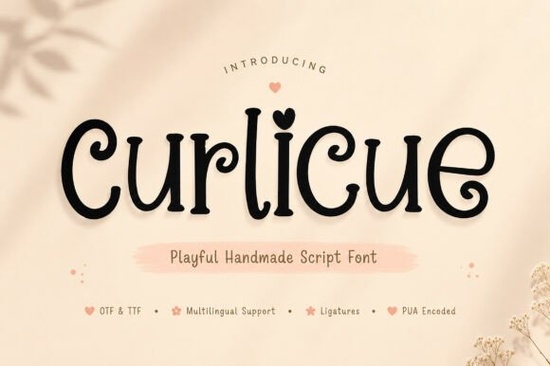
If you're looking for a script font that feels handmade, friendly, and full of quiet charm Curlicue Font is a thoughtful choice. It’s not overly ornate or stiffly formal. Instead, it offers soft curls, gentle stroke variations, and subtle irregularities that mimic real pen-on-paper writing. That warmth makes it especially useful for projects where personality matters more than perfection: think small-batch product labels, baby shower invites, boutique shop signage, or Instagram story text overlays.
What makes Curlicue feel hand-drawn?
Unlike many digital script fonts that rely on uniform curves and predictable spacing, Curlicue includes built-in ligatures and alternate characters like swash capitals, looping 't's, and connecting 'f' + 'l' combinations that shift naturally as you type. You don’t need OpenType features turned on to get variation; even basic use yields organic flow. The lowercase 'a', 'g', and 'y' have gentle, open shapes not tight or cramped so readability stays high at medium sizes (14–24pt), especially in print or SVG-cut vinyl.
It’s also designed with crafters and small businesses in mind: the .zip includes both OTF and TTF files, plus a PDF guide showing how to access alternates in common apps like Cricut Design Space, Silhouette Studio, and Canva (via “upload font” and manual character substitution). No extra plugins needed.
Where does Curlicue work best?
You’ll see it shine in contexts where warmth and approachability matter:
- Product packaging for handmade soaps, candles, or tea blends especially when paired with simple line art or watercolor textures
- Digital stickers and planner inserts, where its playful energy stands out against clean, minimal backgrounds
- Wedding and baby announcements, where couples want something sweet but not cutesy or cartoonish
- Social media graphics for local cafes, florists, or bookshops think “Open Today” banners or seasonal promo posts
It’s less ideal for long paragraphs or dense body copy (like blog posts or product descriptions), since script fonts aren’t meant for extended reading. But as a headline, logo lockup, or short callout? It adds sincerity without shouting.
How does it compare to other popular script fonts on Creative Fabrica?
Curlicue sits comfortably between structured elegance and relaxed whimsy. If you love The Bileso Font, you’ll appreciate Curlicue’s similarly smooth connections but with softer contrast and less dramatic flourishes. It’s friendlier than Loopzy Font, which leans bolder and more rhythmic, and more grounded than Grace Brilliant Font, which has higher contrast and sharper entry/exit strokes. For a lighter, airier cousin, try Candy Diary Font it shares the cheerful vibe but uses thinner lines and more delicate loops.
Each of these serves different moods and that’s why having options matters. You wouldn’t pick one script font for every project, just like you wouldn’t use the same paintbrush for every stroke.
Real-world tips before you download
• Test it first in your actual workflow: paste a few words into your design tool and check spacing at your intended size. Some apps auto-kern better than others.
• Pair it thoughtfully: try neutral sans-serifs (like Montserrat or Poppins) for supporting text avoid competing scripts unless they’re clearly subordinate.
• Watch line height: Curlicue’s ascenders and descenders are generous, so increase leading by 10–15% over default settings to keep letters from crowding.
• For cutting machines, convert text to outlines before sending to cut this avoids unexpected glyph swaps if the machine doesn’t support ligatures.
• Remember: licensing covers personal and commercial use, including POD shops and Etsy listings no extra fees for selling items made with it.
If you’re curious about how script fonts are crafted, Curlicue Font was drawn by hand first, then digitized with care to preserve its natural rhythm not generated or traced. That attention shows up in how evenly the weight flows across letters, and why it feels consistent without feeling mechanical.
Next step: Open a blank document, type “Hello” and “Thank You”, then try swapping in two or three alternates from the character map. See how much life a single letter change can add. That’s where Curlicue starts working not as decoration, but as quiet intention.
Download Now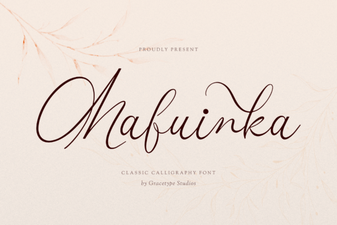 Mafuinka Font: Creative Typography for Your Projects
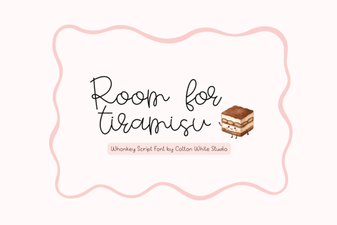 The Tiramisu Font: a Sweet Touch for Web Projects
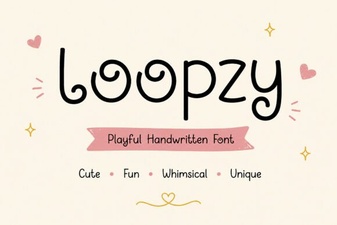 Loopzy Font: Designs with Creative Curves
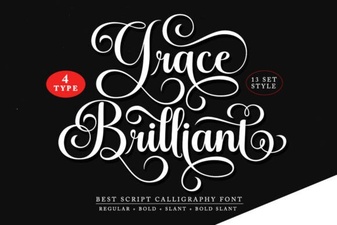 Grace Brilliant Font: Modern Design and Creative Projects
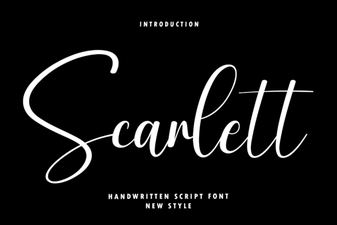 Scarlett Font: Elegant Typography for Creative Projects
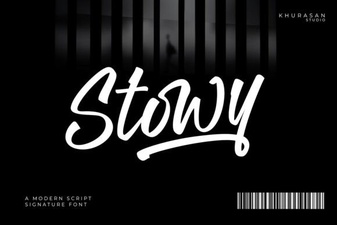 Stowy Font: Creative Projects & Design Ideas